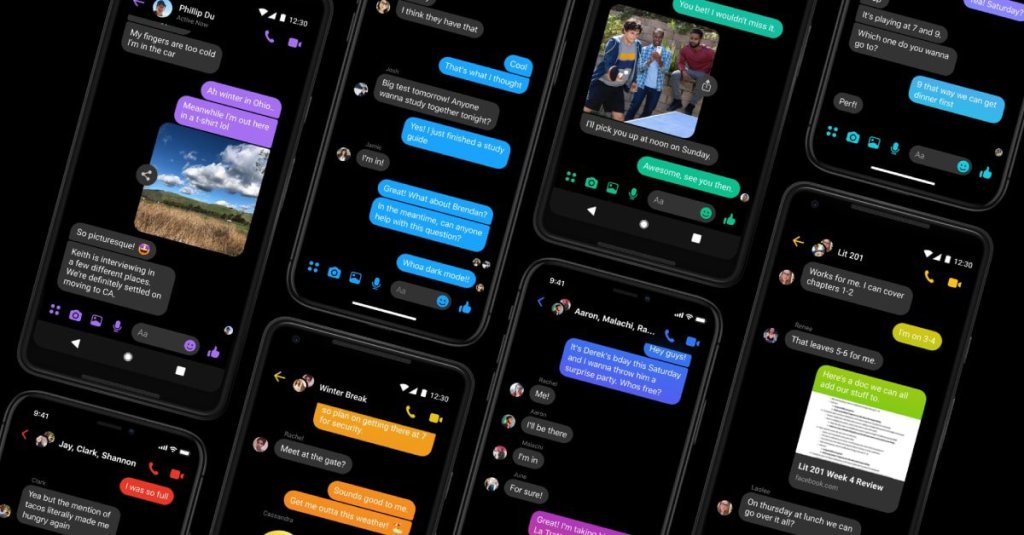
What is Dark Mode?
Dark Mode is a supplemental mode that can be used to display mostly dark surfaces on the UI. The design reduces the light emitted by device screens while maintaining the minimum color contrast ratios required for readability. The advantages of Dark Mode are, it enhances visual ergonomics by reducing eye strain, facilitating screens to adjust according to current light conditions and providing comfort of use at night or in dark environments.
Additionally, it conserves battery power, thereby enabling device usage for longer periods without charging. Usually, the Dark Mode theme can be turned off or on using a prominently displayed toggle icon on the screen. Alternatively, it is placed in the menu options or within the app’s settings.
What are the pros and cons of Dark Mode?
The dark theme comes with its share of advantages and disadvantages.
Pros:
- It saves energy, mainly if the device uses an Oled or Amoled screen.
- While the dark text on a white background is the best in terms of readability, Dark Mode (which has light text on a dark background) is better for reducing eye strain in low light conditions.
- With the majority of the screen dark, the screen glare is reduced, thereby minimizing flickering and blue light.
Cons:
- Dark themes are not always better for eye strain. In bright light conditions, the text appears washed out, increasing eye fatigue.
- Long pieces of content or text are more challenging to read in Dark Mode.
 TechWith_Gautam